In a world where cluttered desktops and filled-up storage can slow you down, moving towards web-based applications is an excellent way to streamline your workflow. For me, minimizing storage usage, saving on installation time, and having access to apps anywhere, anytime, have become priorities. Thanks to open-source tools, I’ve been able to move many of my daily tasks to my browser, cutting out the need for installations while still using powerful apps. Here are a few of my favorites:
ONLYOFFICE (DocSpace) – A Familiar Office Suite Online
While LibreOffice is a fantastic open-source alternative to Microsoft Office 365, ONLYOFFICE (DocSpace) stands out as the closest match to Microsoft’s interface. The familiar Ribbon interface makes transitioning easy for anyone used to Microsoft Office. What makes DocSpace even more appealing is its collaborative features—create rooms for different projects, invite collaborators, and work together in real time with comments, change tracking, and version history. The mobile experience is also impressive with fully-featured apps for both Android and iOS that sync seamlessly with DocSpace. For those looking for an online office suite without the hassle of setting up a self-hosted solution like LibreOffice Online, ONLYOFFICE is the way to go.
Squoosh – Effortless Image Compression
When working on my blogs, I often need to compress images to reduce load times without compromising quality. Squoosh, a browser-based tool developed by Google, lets me do just that. The beauty of Squoosh lies in its side-by-side preview: as you adjust compression settings, you can instantly compare the result with the original image, ensuring the quality loss is minimal. With support for multiple formats like WebP, AVIF, and MozJPEG, Squoosh is perfect for anyone looking to optimize their images without installing anything on their computer. The only downside? Batch processing is not yet supported, so you’ll need a different tool if you need to compress hundreds of images at once.
OpenCut – A Simple Video Editor for Quick Edits
If you’ve been looking for an alternative to CapCut, OpenCut might be the solution. This open-source, web-based video editor is still in its early stages, but it offers a simple, timeline-based interface that makes editing a breeze. You can import MP4 files, split clips, adjust aspect ratios, and apply basic effects, transitions, and captions. While some features are still under development, OpenCut has the potential to be an excellent short-form video editor for quick edits on the go. For anyone looking for a lightweight video editing tool that doesn’t require installation, OpenCut is definitely worth keeping an eye on.
StirlingPDF – Full-Featured PDF Editor
For anyone who still deals with PDFs, StirlingPDF is an open-source, web-based PDF editor that offers over 50 tools, including merging, compressing, converting, splitting, and redacting. Unlike many free PDF editors that require you to upload your files to an unknown server, StirlingPDF is self-hosted, meaning you can manage confidential documents locally with full control over your files. If you prefer using a native desktop client, StirlingPDF also offers that option, but the web version is fully capable for most tasks. Whether you’re handling work documents, personal files, or academic papers, StirlingPDF is an excellent tool to add to your web-based toolkit.
Excalidraw – Hand-Drawn Diagrams with Ease
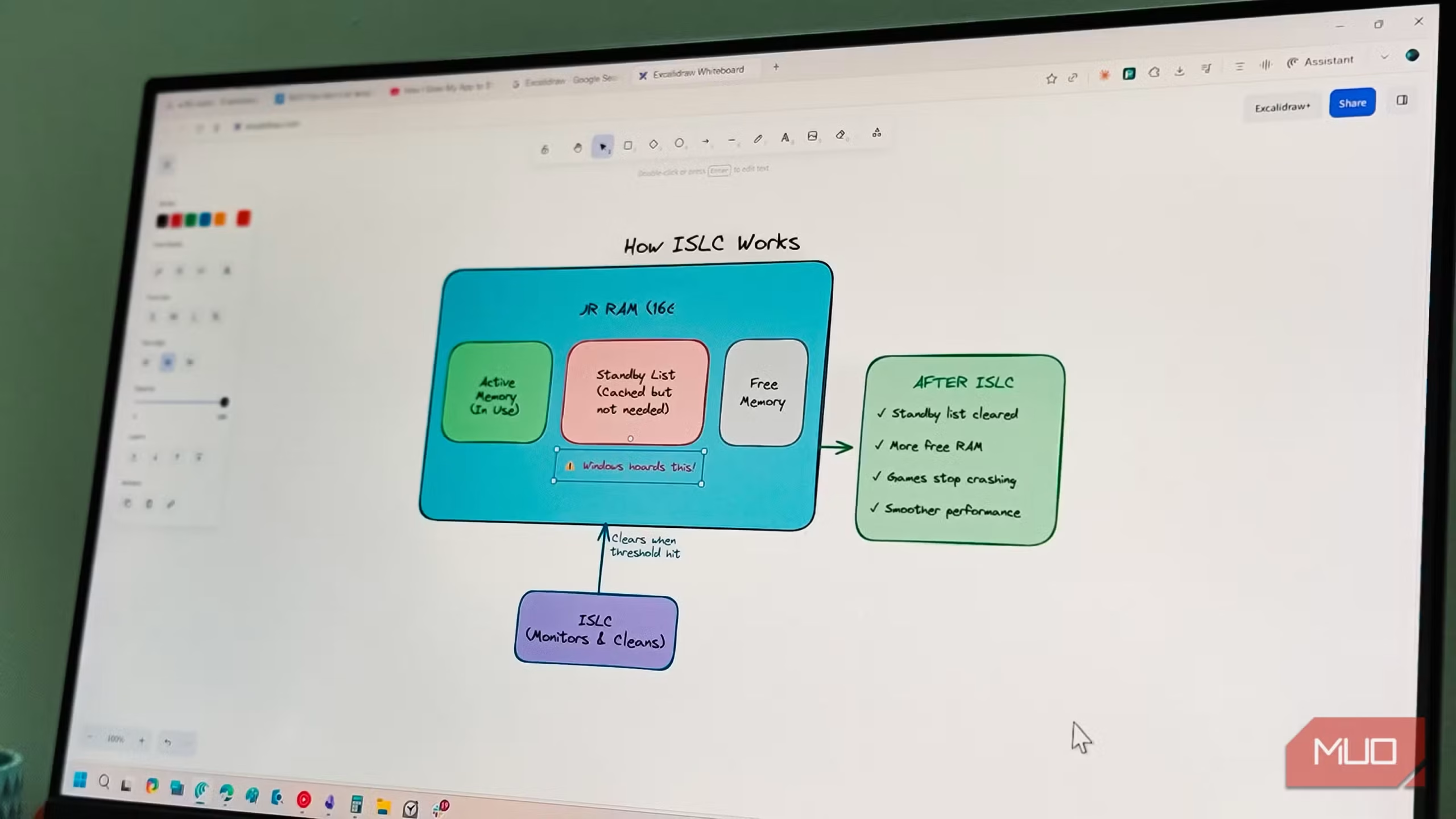
When I need to create flowcharts, mind maps, or quick mockups, Excalidraw is my go-to tool. Originally introduced as an Obsidian plugin, it’s a simple, web-first whiteboard app that lets you draw shapes, arrows, and text with a hand-drawn look. The “sloppiness” feature adds a personal touch, allowing you to make your diagrams feel less polished when needed. While Excalidraw’s library of pre-made icons could be more comprehensive, it’s easy to import external PNGs to fill in the gaps. For quick brainstorming sessions or visualizing complex ideas, Excalidraw works like a charm.
Why Web-Based Open-Source Apps Work for Me
The flexibility of web-based apps has been transformative for my workflow. By avoiding the need to install software, I can access my tools on any device—whether I’m working from my desktop, tablet, or phone. These open-source alternatives are not only transparent and customizable, but they also remove the clutter from my system. From productivity suites like ONLYOFFICE to specialized tools like Squoosh and StirlingPDF, these apps allow me to be more efficient and portable.
Web-first open-source tools give you the freedom to work anywhere, and with platforms like Squoosh, Excalidraw, and OpenCut, you can have a complete suite of tools at your fingertips without the storage hassle. It’s a win-win for anyone looking to work across devices without the usual installation headaches.